

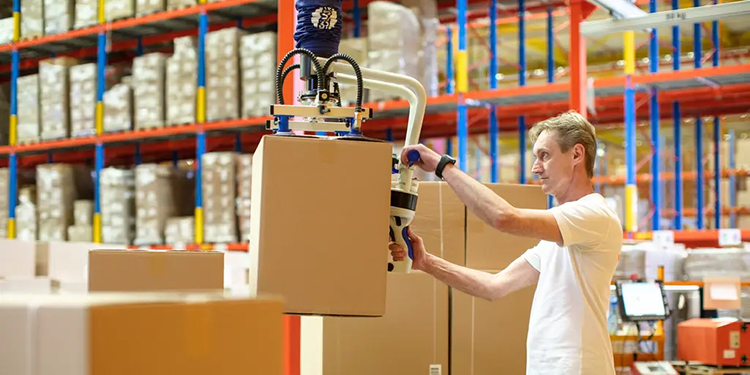
Most workplace injuries don’t come from one bad lift. They come from the same motion, repeated hundreds of times over a shift. That’s why work task design earns its own entry in Ergonomic Assist Systems & Equipment (EASE) Council’s Industrial Ergonomics 101 publication. The guide highlights two measures that can have a significant impact on ergonomic work task design:
- Breaking tasks into manageable steps.
- Designing tasks to include varied movements and postures.
Applied well, these principles protect workers. They also change how consistently an operation and its processes perform. That holds true from the first hour of a shift to the last, said Grant Welch, National Sales Manager at Schmalz Inc., a member of the EASE Council.
The following breaks down what smart ergonomic work task design looks like on the warehouse floor. It also explains why fixing the task itself beats building a workaround around it.
Start With What the Operator Is Actually Doing
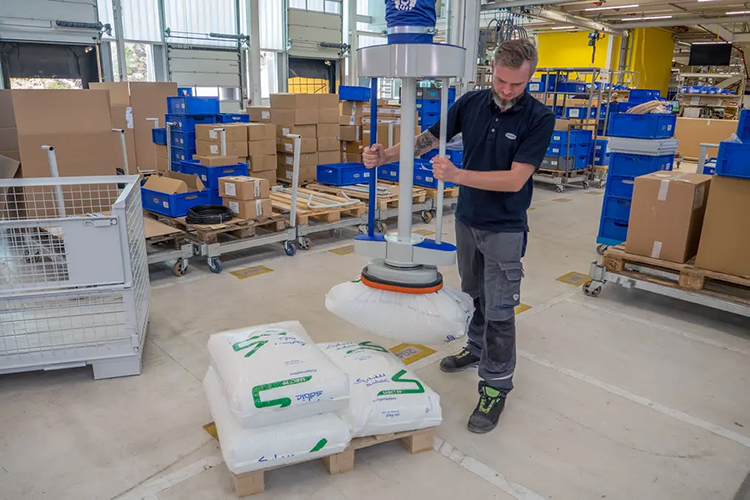
Good ergonomic work task design doesn’t start with a piece of equipment. It starts with observation, according to Welch.
“To me, good ergonomic design starts with looking at what the operator is actually doing all day,” he said. That means tracking how heavy the part is and how often the worker moves it. It also means watching where they pick it up, where they set it down, and whether they’re reaching, bending, or twisting to do it.
From there, the goal is to remove the hardest parts of that movement from the operator. “The goal is really to take the hardest parts of that movement away from the operator,” Welch continued. “Make the task feel natural instead of something they have to muscle through all day.”
Why Repetition Is the Real Risk
A single heavy lift looks like the obvious hazard. However, Welch pointed to a less visible pattern that causes far more damage over time: repetition.
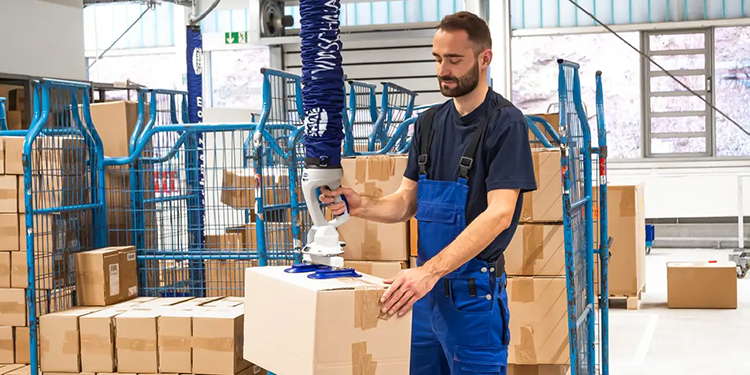
“Repetition is where something that seems pretty harmless at first can become a real issue,” he explained. Reaching, twisting, bending, gripping, and lifting build fatigue in the shoulders, back, wrists, and hands with every cycle.
That fatigue doesn’t stay confined to safety metrics, either. Tired workers slow down. “You also tend to see slower cycle times, more mistakes, and sometimes more product damage,” Welch said. “So it is not only an ergonomic or safety issue.”
Breaking Tasks Into Manageable Steps
Dividing a task into smaller steps directly interrupts that cycle of repetitive strain, according to Welch.
“A lot of times the problem is not one individual lift,” he said. “It is doing that same lift or movement hundreds of times over a shift.”
Breaking the process into steps eliminates long holds and awkward reaches. It also removes situations where a worker supports the full weight of a load while trying to position it.
Equipment plays a direct role, too. A lifting device can carry the weight so the operator only guides and positions the product.
“If you can let a lifting device support the weight,” Welch noted, “and allow the operator to focus on guiding and positioning the product, that can make a huge difference.”
Designing for Varied Movements and Postures
Keeping a worker fixed in the same position for an entire shift speeds up fatigue, Welch said. Avoiding that requires a close look at the workstation itself.
“One of the biggest things is trying not to lock someone into the exact same posture for eight hours,” he said.
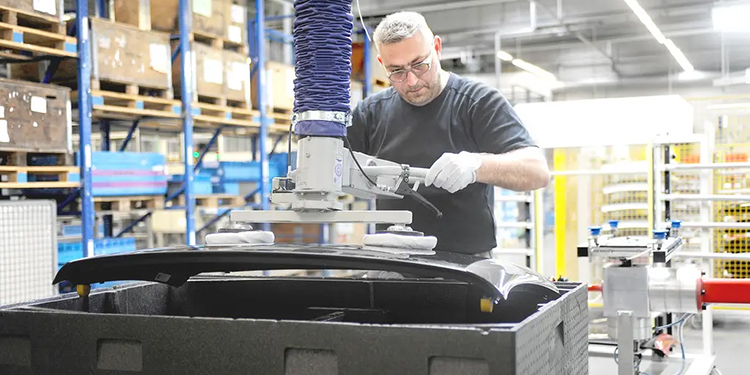
Welch and his team evaluate work height, reach distance, and material staging. They also check whether the equipment adjusts for different operators. The goal is a workflow that keeps people moving naturally within a comfortable range.
“Ideally, the process lets the operator stay in a comfortable working range and move naturally,” he explained. “This is better than constantly reaching overhead, bending to the floor, or twisting with a load.”
The Role—and Limits—of Job Rotation
Job rotation is a familiar tool in ergonomics programs. Welch cautioned against leaning on it as a fix for a poorly designed task.
“Job rotation can definitely help,” he said, “but I would not use it as a substitute for fixing a poorly designed task.”
Rotation only works if it actually varies the type of movement involved. “Moving someone from one repetitive lifting job to another repetitive lifting job is not accomplishing much,” he added.
The strongest programs combine several elements at once. “The best setup is a combination of good equipment, good task design, and some variation in what the employee is doing throughout the day,” continued Welch.
Signs a Task Needs Ergonomic Redesign
Operators often signal ergonomic problems before anyone measures them, according to Welch. Leaders just need to know what to watch for.
“Usually the operators will show you pretty quickly,” he said. Bracing against equipment, using momentum, and constantly readjusting a grip are all warning signs. So is a worker asking a coworker for help, or quietly inventing their own workaround.
Timing matters, too.
“Another big indicator is when a task works fine early in the shift,” Welch said, “but becomes noticeably slower or harder later in the day as fatigue sets in.” That drop-off in productivity often signals a task in need of ergonomic work task design attention, not just operator effort.
A Real-World Example: From Two Workers to One
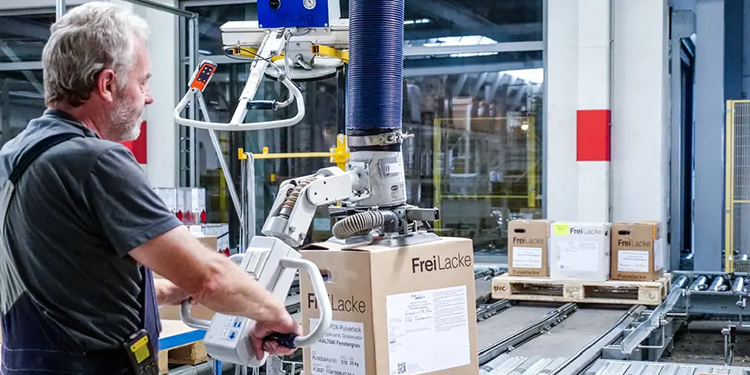
Welch pointed to a common scenario his team encounters: a heavy or awkward product that requires two people to lift and position manually.
A vacuum lifting system changes that equation. “You can have the equipment support essentially all of the weight,” he said, “while the operator just guides the load into position.”
One person now does a job that used to require two. The cycle also runs more consistently, and physical strain on the operator drops significantly. The result is a task that runs safer and more predictably, cycle after cycle, shift after shift.
Get More Ergonomics Improvement Resources From the EASE Council
Organizations looking to improve ergonomic work task design should start with a few key questions, concluded Welch. They include:
- Where does a single task force an operator to hold, reach, or twist repeatedly?
- Which jobs lock workers into one posture for extended periods?
- Does job rotation actually vary movement type, or does it just shift the same strain elsewhere?
Ultimately, the strongest ergonomic improvements come from redesigning the task itself, not working around it. Applying the ergonomic work task design principles in the EASE Council’s Industrial Ergonomics 101 helps organizations build workflows that hold up from the first hour of a shift to the last.
Looking to improve ergonomic work task design in your operations? Connect with the members of the Ergonomic Assist Systems & Equipment (EASE) Council. The EASE Council offers multiple resources—including presentations and seminars, checklists, and ergonomic articles—on its website.